Office Technology / Buying guide
Choosing an office mouse: connection and fit first
Two Logitech options illustrate the trade-offs between a USB receiver, Bluetooth, and size choices.
Start with your computer's ports
Check the ports on your computer and any dock before choosing a wireless mouse. A USB receiver occupies a port; Bluetooth requires compatible Bluetooth support. For an employer-managed computer, confirm that the connection method and any optional configuration software are allowed.
Our comparison method
The suggestions below are based on Logitech's published specifications and setup documentation, checked on September 9, 2026. We have not tested these mice in person. The use-case labels are our interpretation of those features, not a ranking of every office mouse.
We do not quote prices, stock, or a comfort score. Check the exact model, regional package contents, operating-system requirements, and seller's return terms before ordering.
Try the shape if possible
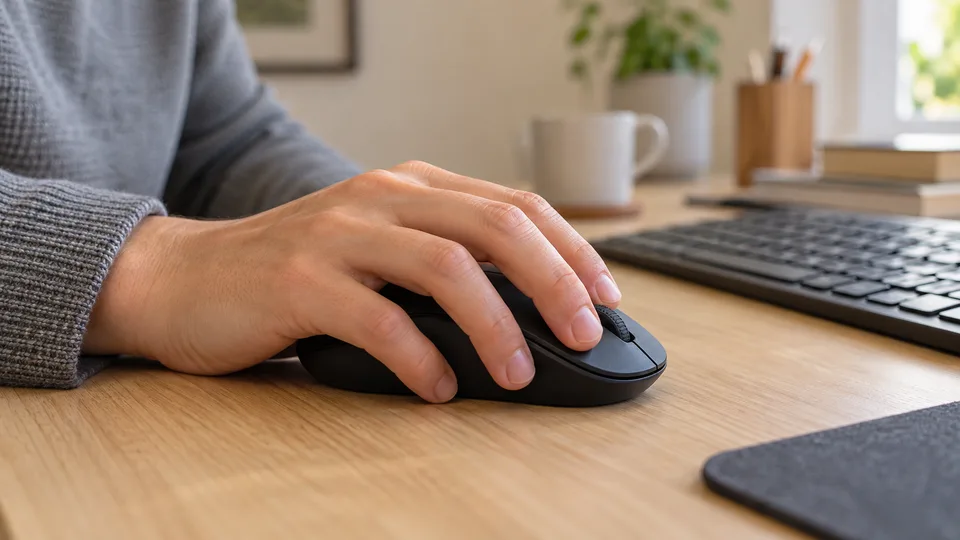
A connection that works is only the first step. Compare the mouse's dimensions with one you already use and consider which hand you use. A return option lets you assess the shape during your own routine. Manufacturer noise claims do not tell you how a click will sound in your room.
Options to consider
On a narrow screen, scroll the comparison sideways. Keyboard users can focus the table and use the arrow keys.
| Option | Use case | Source |
|---|---|---|
| Logitech Signature M650 | A shortlist option for Bluetooth and size choice | Logitech M650 specifications |
| Logitech Wireless Mouse M185 | A shortlist option for a USB receiver setup | Logitech M185 setup guide |
A shortlist option for Bluetooth and size choice
Logitech Signature M650
Consider the M650 family if you want Bluetooth or a Logi Bolt connection and a choice of size. Select the exact variant carefully; the family includes different sizes and handed options.
Reasons to consider it
- Bluetooth Low Energy and Logi Bolt connection options.
- The family offers standard, large, and left-handed choices.
Before you choose
- Confirm the dimensions and handedness of the specific listing.
- Our recommendation is based on documentation, not hands-on testing.
A shortlist option for a USB receiver setup
Logitech Wireless Mouse M185
Consider the M185 if a receiver connection suits your computer. Logitech's setup guide shows the included USB nano-receiver plugging into the computer. Check port compatibility before choosing it for a laptop or dock.
Reasons to consider it
- The documented setup uses an included USB nano-receiver.
Before you choose
- The receiver needs a compatible available USB port.
- We have not measured comfort, click noise, or durability.
How we approach our guides: sources, practical criteria, and editorial standards.